Designing for Progression with Progressive Disclosure
Use progressive disclosure to reveal information and functionality gradually, helping new and experienced users navigate complex products with clarity and confidence.
Introduction
Simple design is not about removing complexity altogether. It is about introducing complexity gradually, in a way that helps users build understanding over time.
As users become more familiar with a product, their needs evolve. Great UX supports this progression by revealing information and functionality at the right time and in the right context.
Why Progressive Disclosure Matters
Users interact with products at different levels of familiarity. New users need guidance and clarity, while experienced users expect efficiency and quicker access to advanced features.
Progressive disclosure addresses this by showing only what is necessary at each step, while making additional detail and functionality available when needed.
“Simplicity is not about hiding complexity—it is about revealing it when it becomes relevant.”
Designing for Different Levels of Experience
A well-designed product supports users across multiple stages of familiarity.
New Users
Require clear explanations, guided steps, and reassurance.
Returning Users
Need familiarity and streamlined access to common tasks.
Advanced Users
Expect shortcuts, quick actions, and deeper functionality.
Designing for progression ensures that each type of user can navigate the product confidently.
Progressive Disclosure in Practice
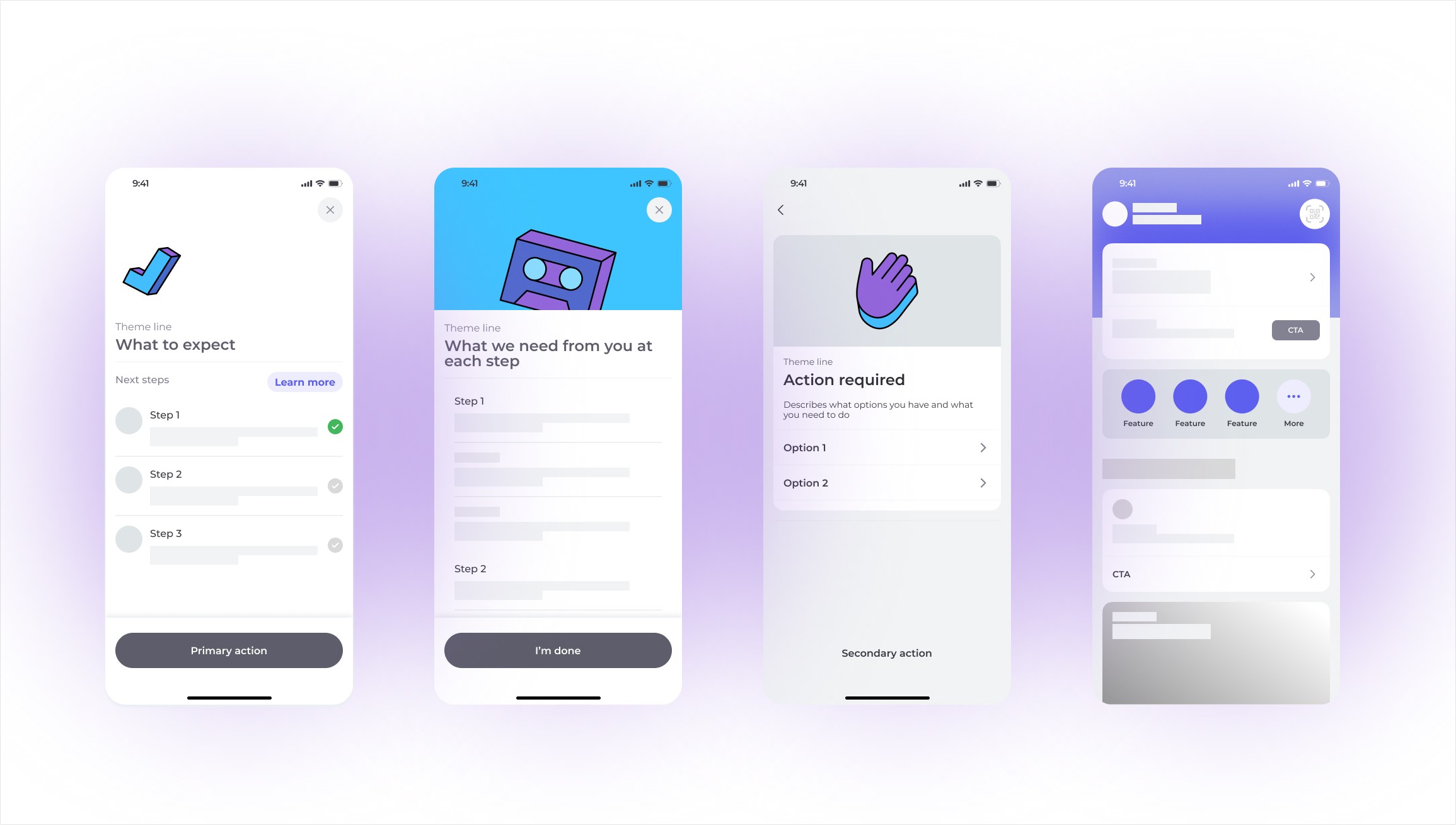
In compliance-heavy flows, users may be required to provide documents such as an ID, tax number, or selfie.
Even if they cannot complete these steps immediately, giving early visibility into upcoming requirements helps:
Set expectations
Reduce friction
Build trust through transparency
Improve completion rates
This approach allows users to prepare without feeling surprised or overwhelmed later in the journey.
Balancing Simplicity and Capability
The core structure of the product should communicate the main purpose of the application clearly, while supporting deeper functionality as users become more experienced.
Examples include:
Expandable sections
Additional help content
Contextual actions
Shortcuts and quick actions
Advanced settings
This creates an experience that feels approachable for beginners and efficient for experienced users.
Key Takeaway
Designing for simplicity also means designing for progression.
By applying progressive disclosure, teams can create products that guide users step by step, reduce cognitive load, and adapt to different levels of expertise.
Conclusion
The goal is not to remove complexity, but to introduce it thoughtfully.
When information and functionality are revealed in the right context, products become easier to understand, more transparent, and more effective for every user.