Creating Seamless UX with Visual Mapping and Problem-Solving Techniques
Use visual UX methods like JTBD, task flows, and scenarios to uncover gaps, align teams, and design seamless, user-centred experiences before development begins.
Introduction
Designing a great user experience is about more than polished interfaces. It requires understanding user motivations, mapping interactions, and testing how a product performs in real-world scenarios.
Visual UX methods help transform complexity into clarity. By using structured frameworks and diagrams, teams can uncover hidden gaps, align around a shared understanding, and design experiences that feel intuitive from end to end.
Why Visual UX Methods Matter
When product teams jump straight into UI design, they often miss important details that lead to confusion, friction, and user drop-off.
Techniques such as Jobs to Be Done, task flows, use cases, and scenarios provide a structured way to understand what users are trying to achieve and how the product should support them.
“Visualising the experience reveals the gaps before users ever encounter them.”
Start with a Holistic Understanding of Users
Before designing screens, it is essential to understand the underlying goals and motivations driving user behaviour.
Jobs to Be Done (JTBD)
Defines the core outcome users are trying to achieve and the reasons behind their actions.
User Journeys
Provides a high-level view of the experience across multiple touchpoints and stages.
These methods help teams focus on solving meaningful problems rather than simply adding features.
Validate Logic and Structure the Experience
Once user goals are clear, the next step is to define how the system should support those goals.
Use Cases
Describe how users interact with the product and identify the functionality required.
Task Flows and Wireflows
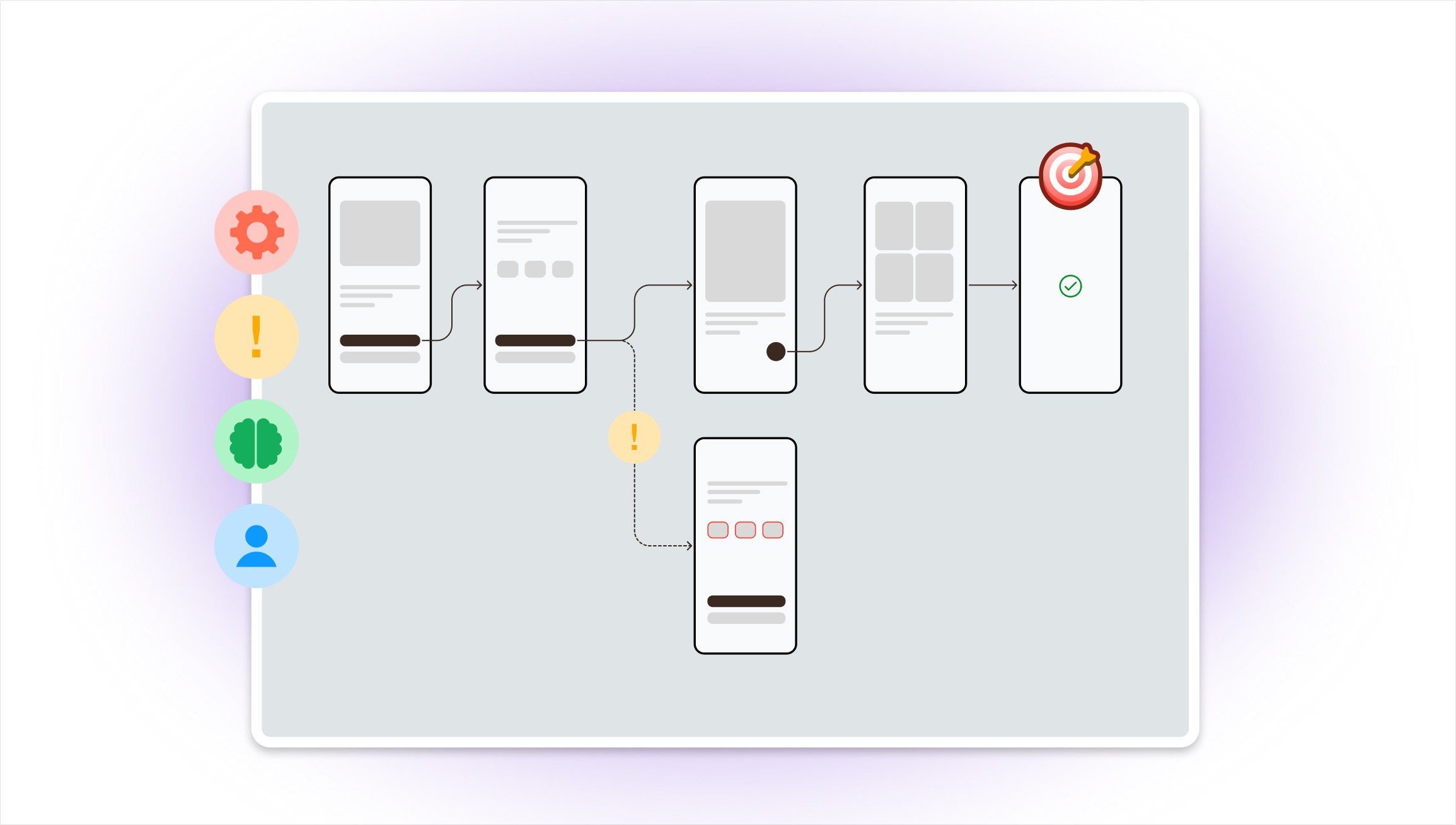
Map step-by-step interactions, showing how users move through the product.
These tools help build a solid information architecture and reduce unnecessary friction.
Test Real-World Scenarios
Products must work not only in ideal conditions, but also when unexpected situations occur.
Scenarios and Flows
Use storytelling and context to simulate realistic interactions.
Edge Cases
Explore exceptions, errors, and unusual conditions to ensure the product is robust and resilient.
This approach leads to more reliable and user-centred solutions.
Key Takeaway
By visualising user interactions through structured methods and diagrams, teams can identify gaps, test assumptions, and refine experiences before development begins.
These techniques also create alignment between designers, product managers, and engineers by turning user needs into a clear, actionable blueprint.
Conclusion
Seamless user experiences are the result of thoughtful problem solving.
Using visual UX methods allows teams to better understand users, design with confidence, and build products that are intuitive, scalable, and resilient in real-world use.